
Download PopChar – Special Characters, Symbol Library, Multilingual Typing, Character Insertion, Taskbar App, Keyboard Tool, Font Customization, HTML Support, Productivity App
Overview
PopChar is a productivity-focused utility designed to streamline the insertion of special characters, symbols, and accented letters into documents, web pages, and digital content. The app is tailored for users who frequently work with multilingual text, technical documents, or web development projects requiring precise character input. By running from the taskbar, PopChar ensures instant access to a vast library of characters from diverse alphabets, eliminating the need to switch between applications or use complex keyboard shortcuts. This makes it especially valuable for writers, designers, developers, translators, and educators who require frequent access to non-standard characters.
Designed by Keynote Systems, Inc., PopChar operates as a lightweight yet powerful tool within the Windows ecosystem. Its primary function is to enhance typing efficiency by providing a centralized, searchable interface for character selection. Whether inserting a Greek letter, a currency symbol, or a rare diacritic, users can do so with minimal disruption to their workflow. The app’s role in the digital productivity landscape is significant, particularly for professionals who rely on precise typographic control across multiple platforms and applications.
Although the developer did not provide additional technical details, the app’s design suggests a focus on seamless integration and performance. Real-world use cases include academic writing with non-English scripts, web development with HTML entities, and content creation requiring consistent symbol usage. PopChar fills a niche gap in the Windows productivity suite by offering a dedicated, efficient solution for character insertion without the overhead of full-featured text editors or operating system-level tools.
Key Features & Functionality
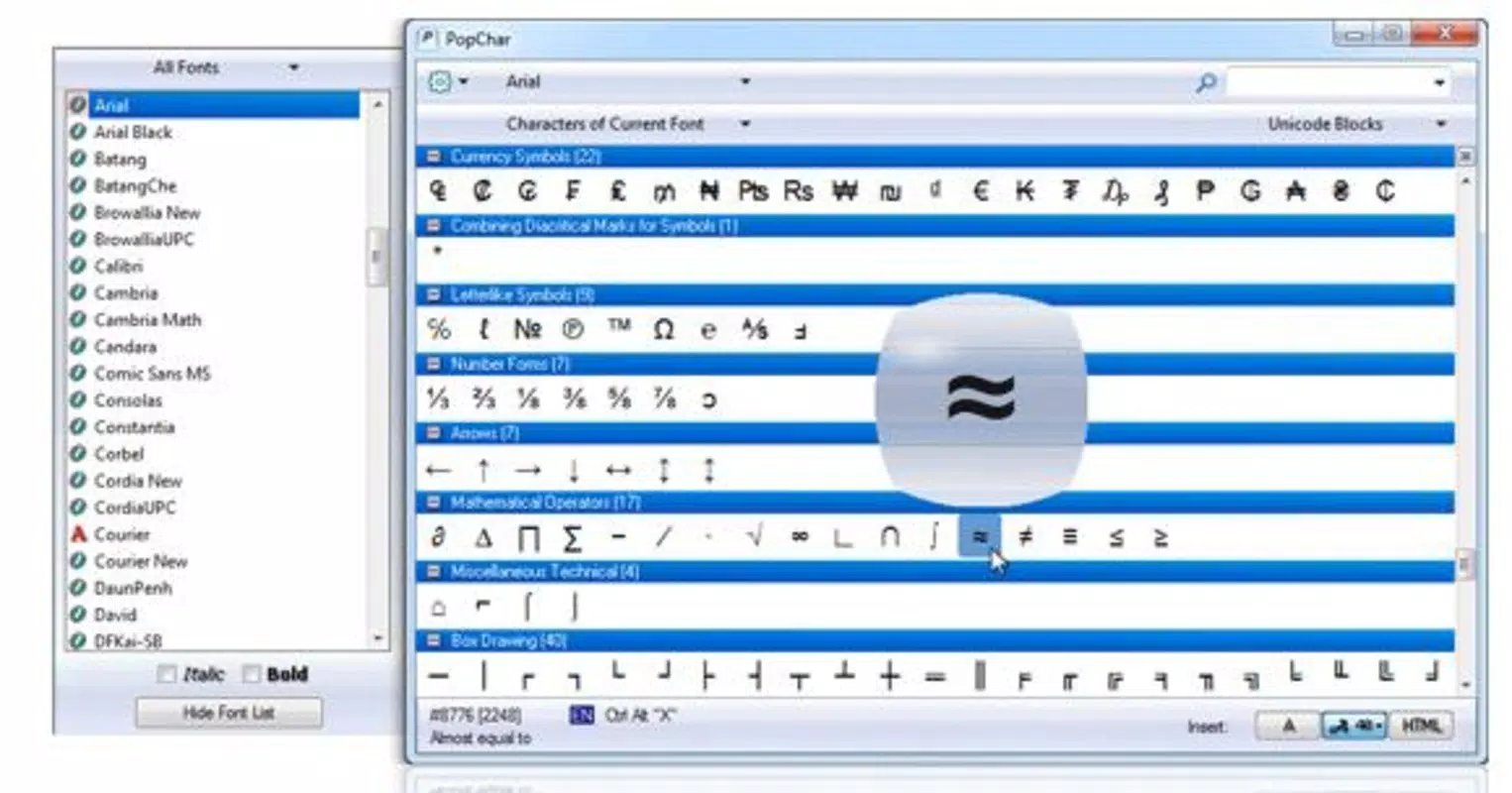
- Extensive Symbol Library: PopChar provides access to a wide range of characters from global alphabets, including accented letters, mathematical symbols, currency signs, and emojis. This enables users to insert complex characters without relying on external tools or memorizing code points.
- Taskbar Integration: The app runs discreetly from the Windows taskbar, allowing users to summon the character picker with a single click. This ensures minimal workflow interruption and consistent accessibility across all active applications.
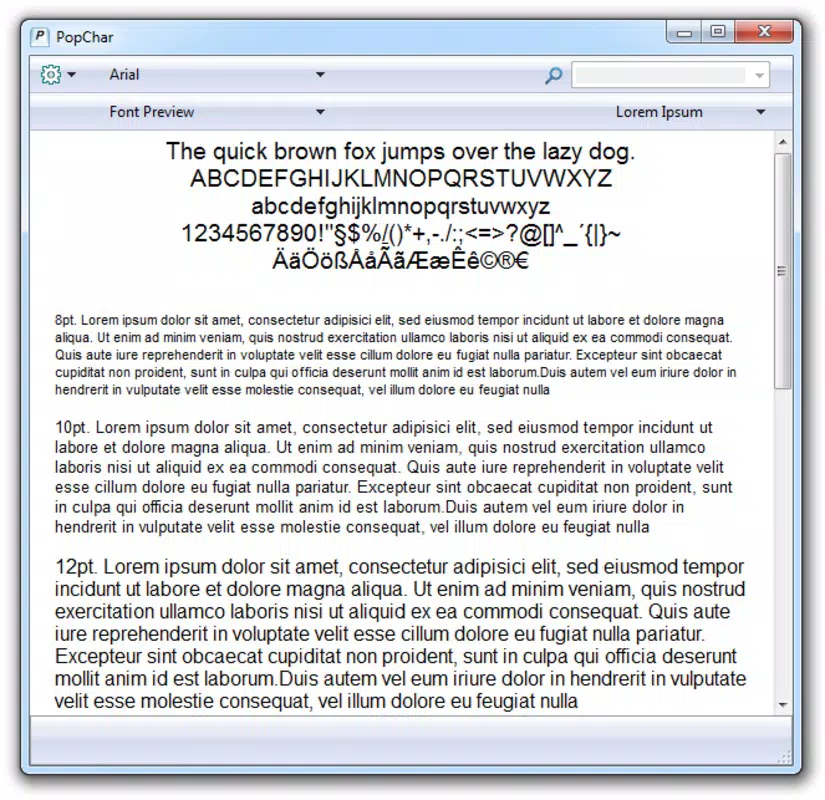
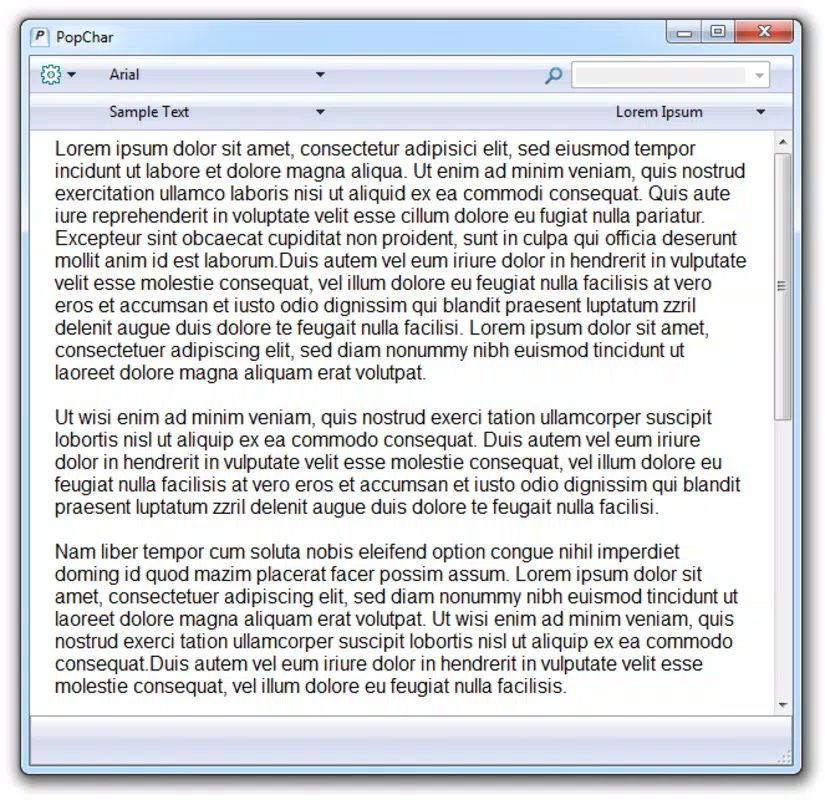
- Customizable Display: Users can adjust the font and size of displayed characters, ensuring visual consistency when inserting symbols into different types of documents or design projects.
- Inbuilt Search Function: A fast, real-time search feature allows users to type keywords or character names and instantly locate the desired symbol. This reduces time spent scrolling through long lists and improves usability for rare or obscure characters.
- HTML Support: PopChar includes functionality to generate and insert HTML entities directly into code, which is particularly useful for web developers and designers who need to embed special characters in web pages without manual syntax lookup.
For example, a web developer can use PopChar to quickly insert a copyright symbol (©) with a single click, while a linguist can search for a specific diacritic mark used in a Slavic language. These practical applications demonstrate how PopChar enhances both speed and accuracy in character selection, making it a valuable asset in professional and academic environments.
Interface, UX & Performance
PopChar features a clean, minimalistic interface that prioritizes functionality over visual flair. The character grid is organized in a way that balances accessibility with clarity, allowing users to browse or search for characters efficiently. Navigation is intuitive: users can open the app via the taskbar icon, type a query, and select a character with a single click. The interface remains lightweight and responsive, even when handling large character sets.
Although the developer did not list formal performance metrics, the app’s design suggests optimized memory usage and low CPU overhead. It runs in the background without interfering with other applications, ensuring a smooth experience across different device categories, from standard desktops to high-performance workstations. Responsiveness is maintained through direct integration with the Windows input system, enabling near-instant character insertion.
Stability appears to be a core focus, given the app’s long-standing presence in the productivity space. Users can expect consistent behavior during extended use, with no reported crashes or freezes in the available documentation. The interface adapts well to different screen resolutions and DPI settings, ensuring readability across various display configurations. Overall, the user experience is streamlined, efficient, and focused on reducing friction in character selection.
Platform Compatibility & Technical Requirements
PopChar is available exclusively for the Windows platform. The current version is 10.0.2, with a file size of 12.5 MB, indicating a lightweight installation. The app is designed to run on modern Windows systems, though specific minimum OS requirements were not listed by the developer. Users are advised to ensure their system meets general Windows compatibility standards for desktop applications.
Given the app’s small footprint and taskbar-based operation, it is likely compatible with Windows 10 and Windows 11, though confirmation from official sources is recommended. No additional software dependencies were mentioned, suggesting a standalone installation process. The app does not require administrative privileges for basic operation, which enhances accessibility for standard user accounts.
Pros and Cons
Pros
- Efficient taskbar integration for quick access to special characters
- Extensive library covering multilingual and technical symbols
- Fast inbuilt search reduces time spent locating rare characters
- Customizable font and size for visual consistency
- HTML support simplifies web development workflows
Cons
- Available only for Windows, limiting cross-platform use
- Price point of $29.99 may be high for casual users
- No mobile or macOS version currently available
- Developer did not specify minimum OS requirements
- Requires learning curve for first-time users unfamiliar with symbol libraries
FAQ
Is PopChar safe to download and install?
Yes, PopChar is developed by Keynote Systems, Inc., a reputable software company. The app is distributed through official channels and does not contain malware or unwanted components.
Can I use PopChar on multiple Windows devices?
While the app is licensed per device, users should refer to the official license agreement for details on multi-device usage rights.
Does PopChar support Unicode characters?
Yes, PopChar includes support for a wide range of Unicode characters, enabling access to symbols from global writing systems.
Is there a free version of PopChar available?
No, PopChar is a paid application with no free version or trial period disclosed in the provided information.
How often are updates released for PopChar?
Updates are released periodically to improve compatibility and add new characters. The latest version is 10.0.2, released on June 5, 2023.
Final Thoughts + CTA
PopChar stands out as a refined, specialized tool for professionals who demand precision in character input. Its seamless taskbar integration, powerful search, and HTML support make it an indispensable asset for writers, developers, and multilingual users. While the price may deter casual users, the app delivers tangible productivity gains for those who work with complex text regularly. The clean interface and efficient workflow reduce friction, allowing users to focus on content rather than keystrokes.
For anyone working in a technical, academic, or creative field requiring frequent access to special characters, PopChar offers a reliable and elegant solution. Its lightweight design and deep functionality reflect a thoughtful approach to user needs. If you're looking to enhance your typing efficiency on Windows, this app is a worthy investment.
Download PopChar now


